
CDL2GO MOBILE APP
CDL Training That Goes Wherever You Do
Turn time at home, during a break, or while traveling into time toward your goal. With the CDL2Go app, your training is ready whenever it is convenient for you—and it is included with your CDL2Go training.

Already enrolled? Download the app and sign in with your existing CDL2Go account.
STUDY ANYWHERE
Keep Learning on the Device That Works for You
Study on your desktop, laptop, tablet, iPhone, or Android device. Move between the website and the app when your schedule or location changes.
Desktop
Laptop
Tablet
iPhone
Android
INCLUDED WITH YOUR TRAINING
One CDL2Go Account for Your Training
You purchase your training directly through CDL2Go.
After enrollment, download the CDL2Go app at no additional charge and sign in with your existing account.
1
Choose your training on CDL2Go.com.
Course selection and purchases take place on the CDL2Go website.
2
Download the CDL2Go app.
Use the official App Store or Google Play link on this page.
3
Sign in with your CDL2Go account.
Use the same email address or username and password you use on the website.
WHY STUDENTS LOVE THE APP
Why Students Love the CDL2Go App
Continue Where You Left Off
Your training stays connected to your CDL2Go account. Pick it back up when you have time to study.
Study Anywhere
Make progress at home, during a break, or while traveling. Your next lesson can be as close as your phone.
Simple Sign In
There is no second account to manage. Sign in with the same CDL2Go credentials you already use on the website.
Included With Your Training
The app is included after you enroll with CDL2Go. There is no separate charge to download it.
SEE THE APP
See What Learning in the App Looks Like
See how easy it is to sign in, find your training, and keep learning from your phone.
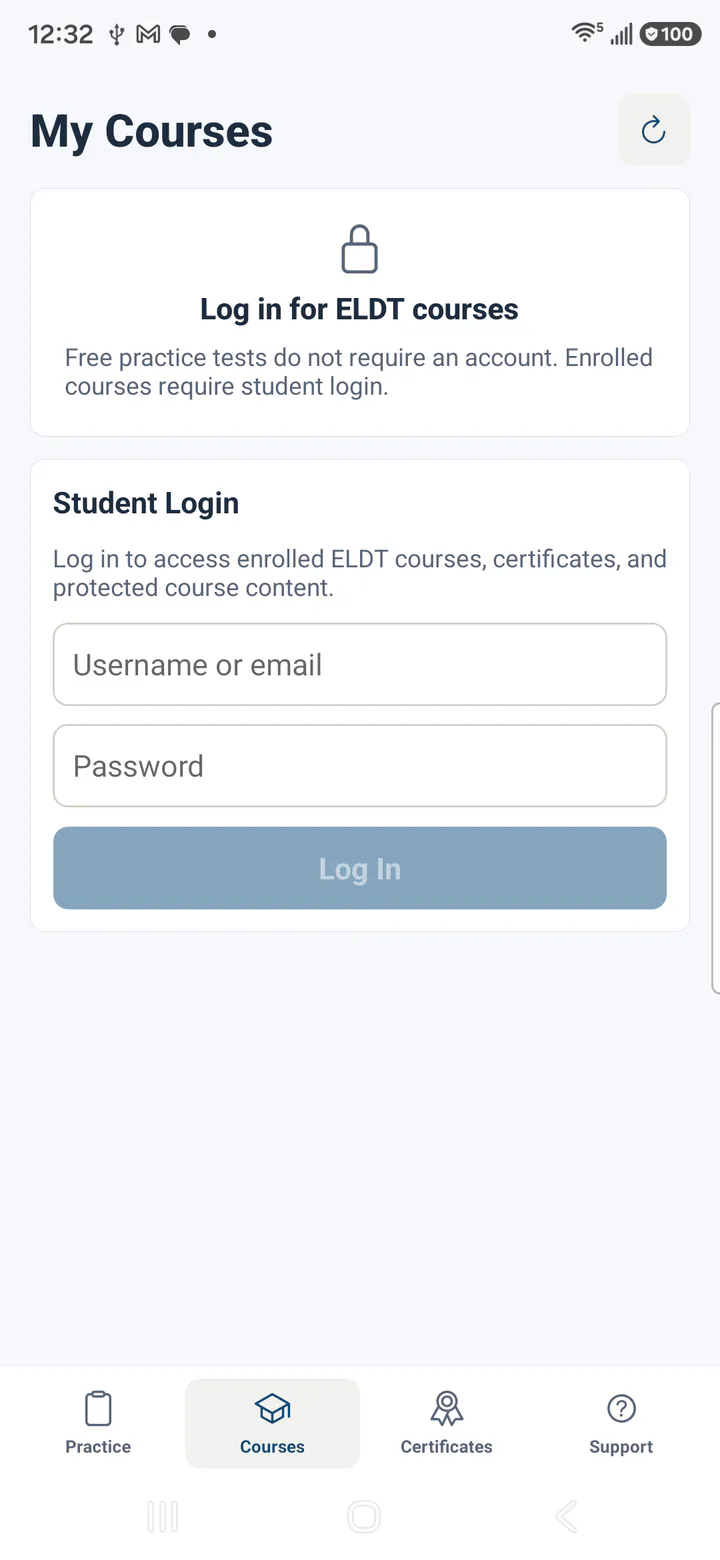
Sign In
Use the same CDL2Go account you already use on the website.
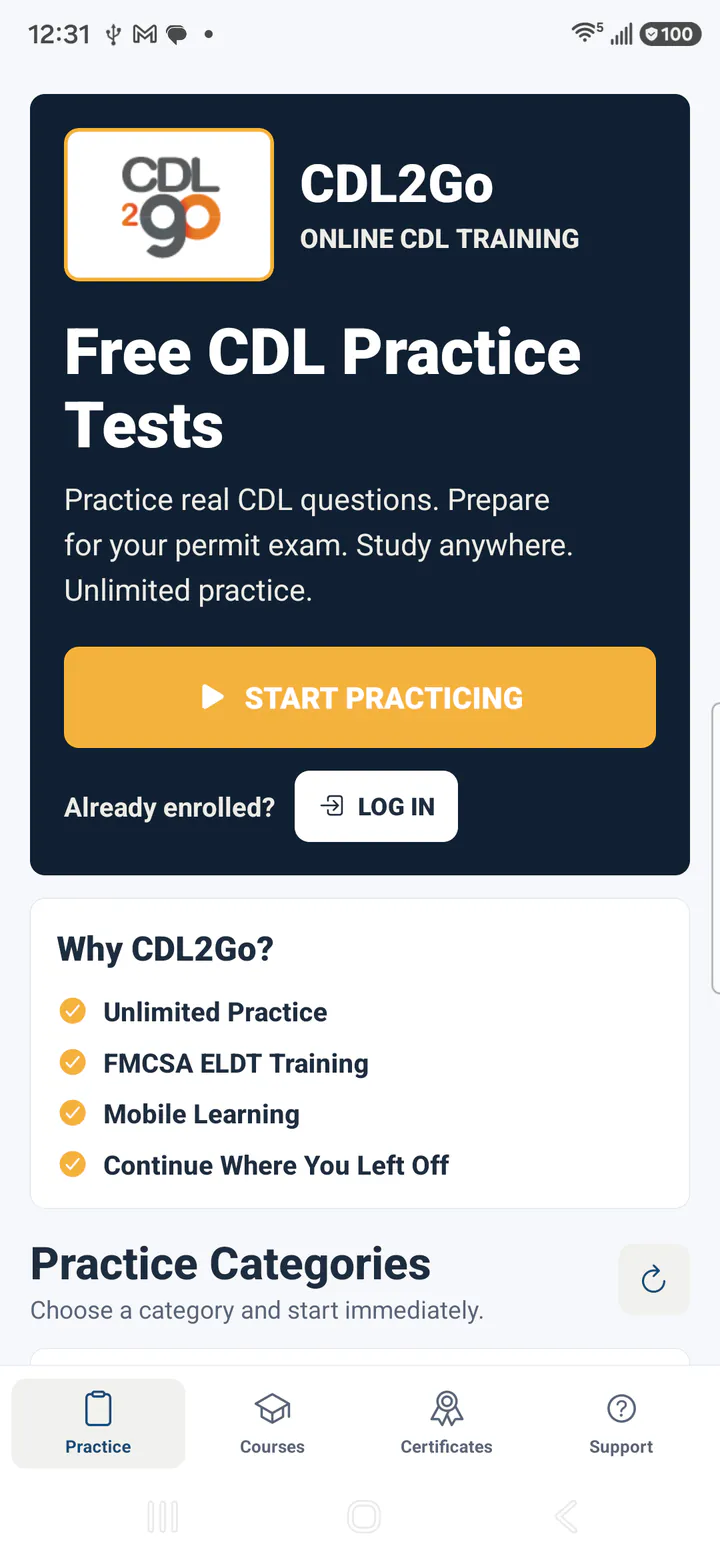
Your Dashboard
Find your available training after you sign in.
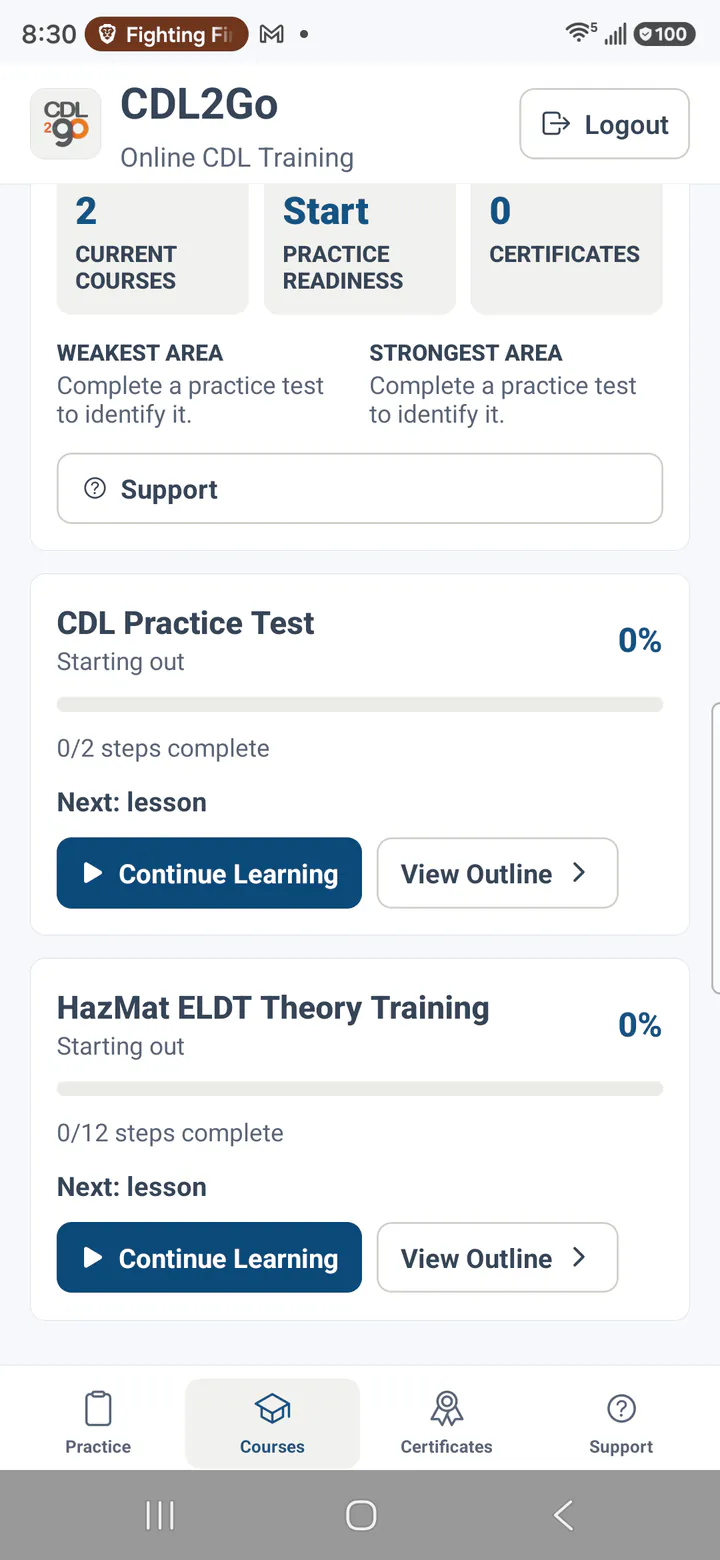
Choose a Course
Open the course you want to continue.
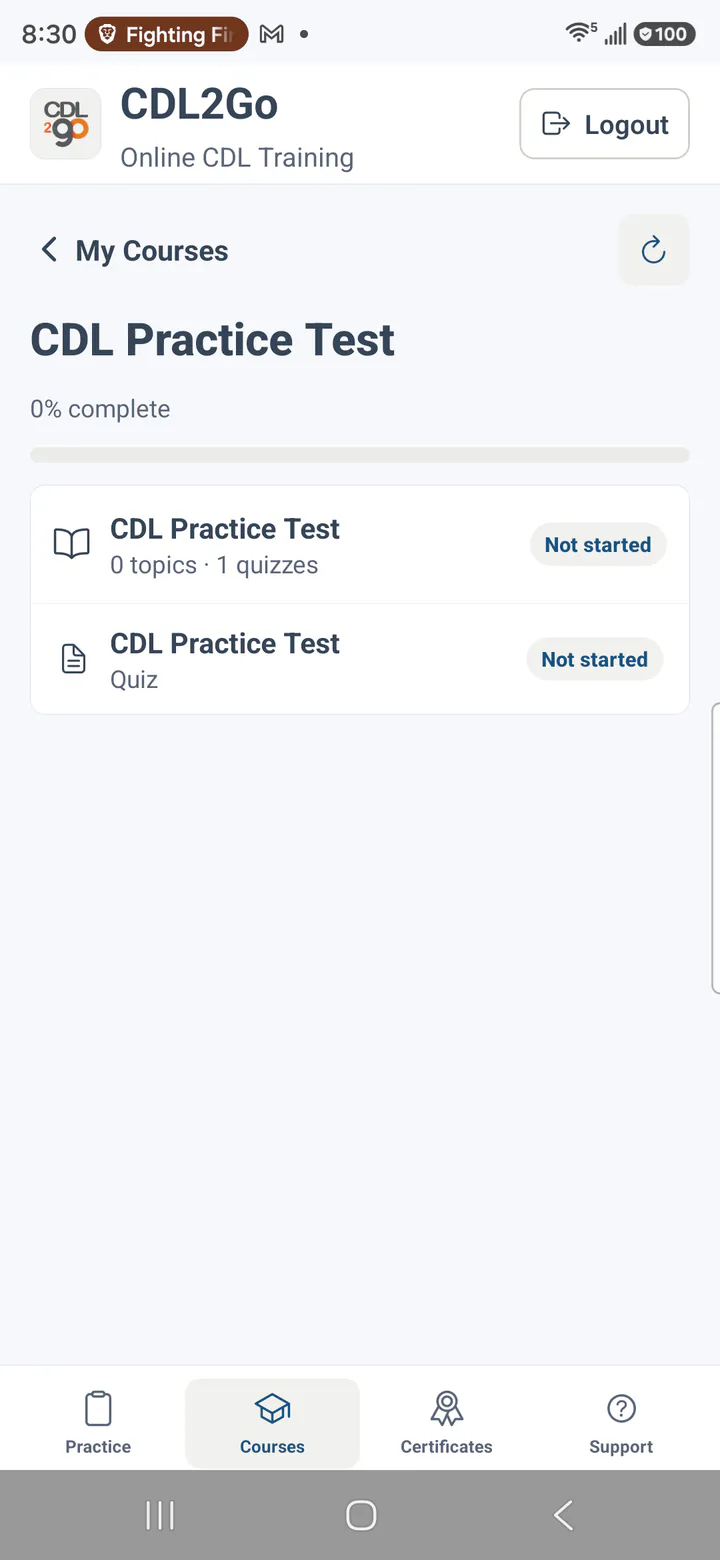
Continue a Lesson
Work through your training from a supported mobile device.
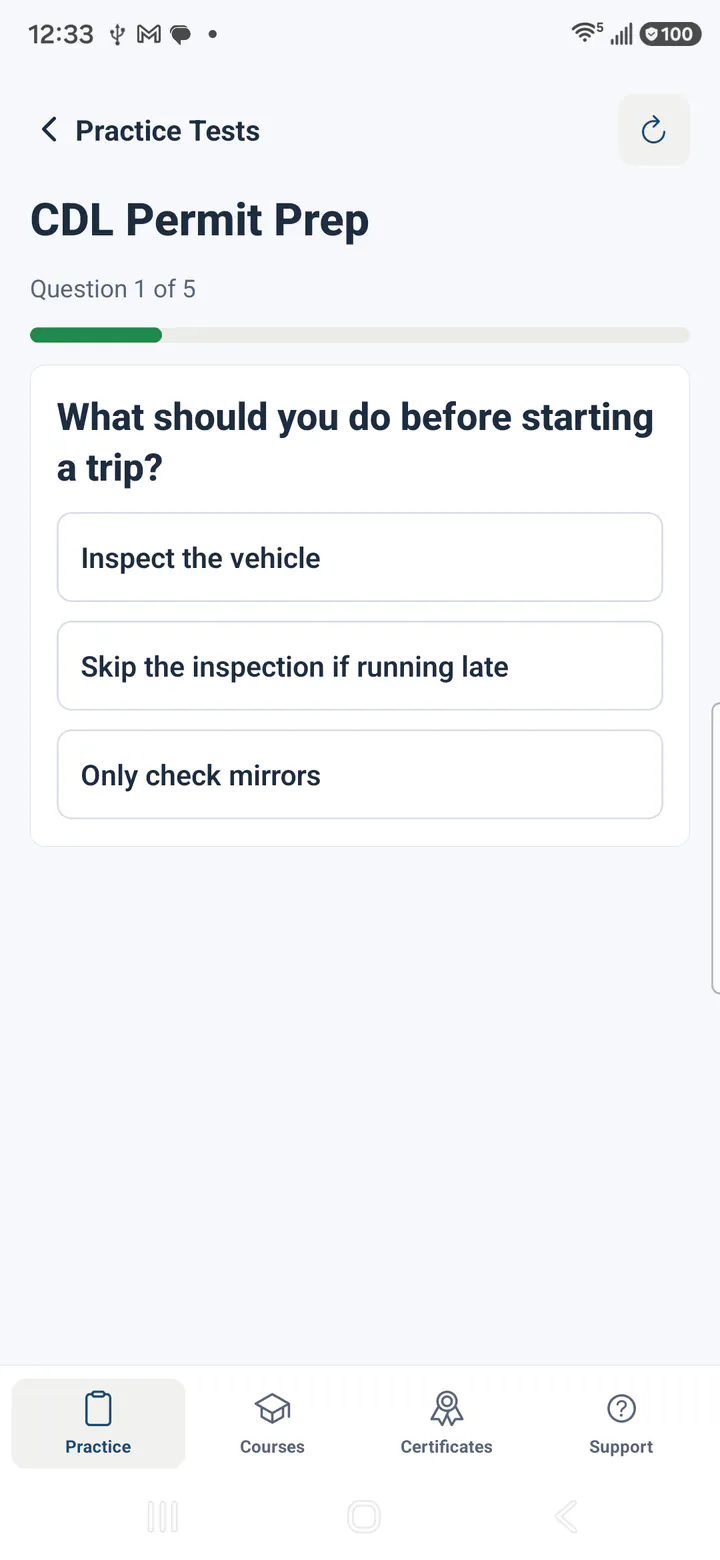
Check Your Knowledge
Complete supported quiz activities as part of your training.
FREQUENTLY ASKED QUESTIONS
Questions About the CDL2Go App
CDL2Go Mobile App
Is the CDL2Go app free?
The app is included with your CDL2Go training. There is no separate charge to download it.
How do I sign in?
Use the same email address or username and password you use on CDL2Go.com. You do not need to create a second account.
Can I use my computer too?
Yes. You can continue using CDL2Go in your web browser on a desktop, laptop, or tablet.
Can I switch between the app and my computer?
Yes. Your progress stays with your CDL2Go account. You can continue your training using whichever device is most convenient.
Do I buy courses in the app?
No. Choose and purchase your training through CDL2Go.com. The app provides another way to access your training after enrollment.
What devices work with the app?
The CDL2Go app is available for supported iPhone and Android devices. You can also use the CDL2Go website on a desktop, laptop, or tablet.
How do I reset my password?
Reset your password on the CDL2Go website. After you set a new password, use it to sign in to the app.
What if I cannot find my training?
First, confirm that you are using the same CDL2Go account you used when you enrolled. If your training is still missing, contact CDL2Go Support.
SUPPORT
Questions? We're Here to Help.
If you have trouble downloading the app, signing in, or finding your training, CDL2Go Support can help.
Ready to Keep Learning?
Download the CDL2Go app and continue your training whenever it works for you.
The Apple and Google Play badges link to the official CDL2Go app listings. Training purchases and account management remain on CDL2Go.com.